

Most LED TV problems are fixable with simple checks: power, inputs, settings, and updates.
I’ve spent years repairing screens and guiding owners through Led Tv Troubleshooting, so you’re in the right place. This article breaks down clear steps, common causes, and smart fixes for the most frequent LED TV issues. Read on for practical, tested advice you can use now to diagnose and often fix your TV without stress.

36% off Today’s Exclusive Deals
Limited-time Exclusive Deals. Check current discount on Amazon.
Check Price on Amazon As an Amazon Associate I earn from qualifying purchases.
How LED TVs work — a quick primer for effective Led Tv Troubleshooting
LED TVs use an LCD panel lit by light-emitting diodes. The screen needs three core things to show a picture: power, signal, and a working backlight. Understanding these parts makes Led Tv Troubleshooting much easier.
Common components to know:
- Power supply board: feeds the TV electricity.
- Main board: processes signals and runs software.
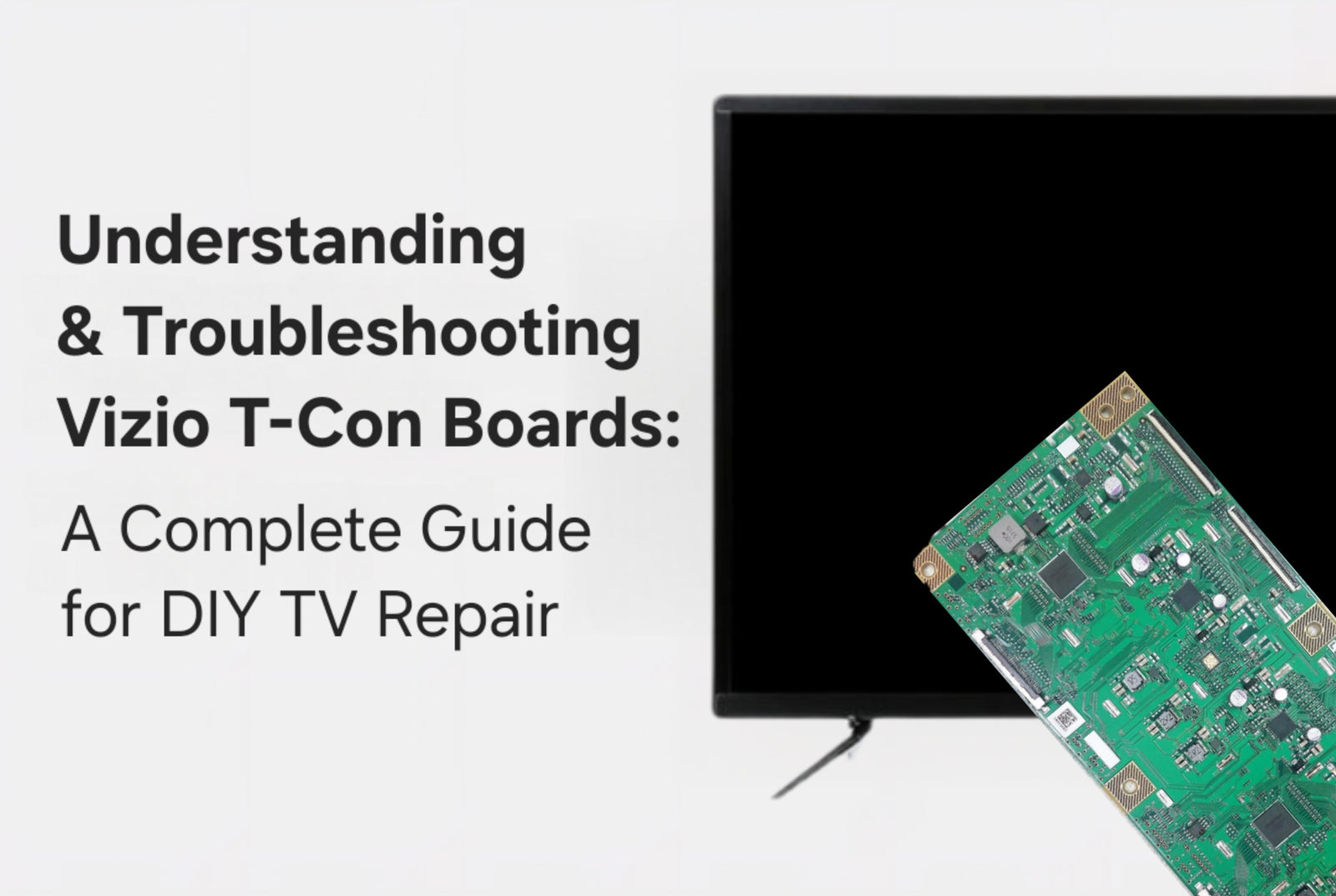
- T-Con board: controls pixels on the screen.
- Backlight strips or LEDs: provide screen illumination.
Knowing these basics helps you target tests and avoid wasted effort. I often start with simple power checks because many fixes are quick.

Common problems and quick fixes in Led Tv Troubleshooting
Most user complaints fall into a few groups. Below are symptoms, likely causes, and quick checks.
No power or TV won’t turn on
- Possible causes: faulty power cable, blown fuse, internal power board failure.
- Quick fixes: try a different outlet, replace the power cable, and unplug for 60 seconds to reset.
No picture but sound plays
- Possible causes: backlight failure, loose cable, or bad T-Con board.
- Quick fixes: shine a flashlight close to the screen. If you see a faint picture, the backlight is the issue.
No sound but picture shows
- Possible causes: mute, wrong audio output, or bad speakers.
- Quick fixes: check mute, audio settings, and external audio device connections.
Lines or flicker on screen
- Possible causes: loose HDMI, bad cable, or failing panel/T-Con board.
- Quick fixes: swap HDMI cable and port, test with a different input source.
Remote not working
- Possible causes: dead batteries, blocked IR sensor, or remote fault.
- Quick fixes: replace batteries, use the TV buttons, try a smartphone remote app.
These quick checks solve many problems before moving to advanced fixes. I recommend doing them in this order to save time and avoid unnecessary repairs.
Step-by-step Led Tv Troubleshooting checklist
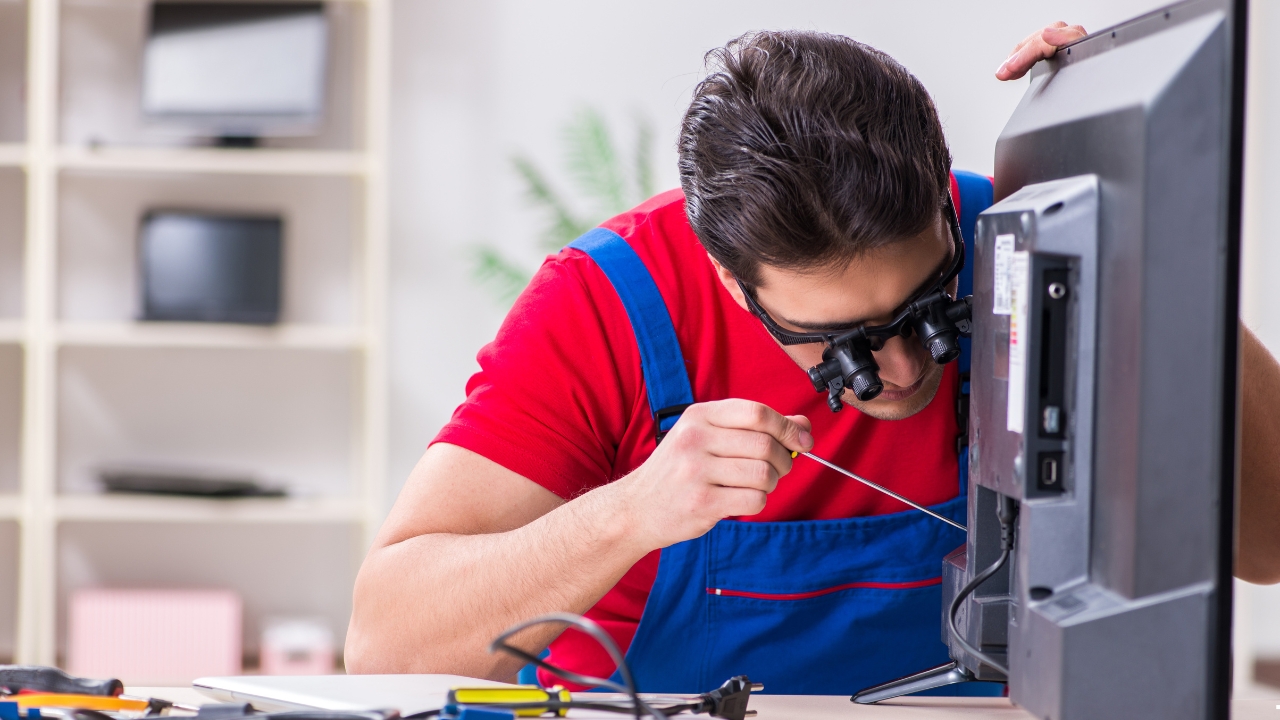
Use this checklist to diagnose issues methodically. Move to the next step only if the problem remains.
-
Check power and connections
- Ensure the power cord is fully seated.
- Try a different outlet or power strip.
- Look for visible damage to the cord.
-
Reset the TV
- Unplug the TV for 60 seconds, then plug back in.
- For smart TVs, use the factory reset only after backing up settings.
-
Test inputs and sources
- Switch HDMI ports.
- Use a different device (DVD player, game console) to confirm the source.
-
Inspect cables and adapters
- Replace suspect HDMI, optical, or RCA cables.
- Avoid cheap adapters; they can cause handshake issues.
-
Check settings and software
- Verify input selection and picture/audio modes.
- Update the TV firmware from the settings menu.
-
Diagnose backlight and panel
- Use flashlight test for backlight.
- Listen for clicking or buzzing—signs of failing power components.
-
Use built-in diagnostics
- Many TVs have service or diagnostics menus to run tests.
- Follow the on-screen options to test pixels, sound, and inputs.
Following this checklist keeps Led Tv Troubleshooting organized and efficient. I use it on every service call and it reduces guesswork.
Advanced checks and when to open the TV
If basic fixes fail, you may need deeper inspection. Only attempt internal work if you have tools and skills. Safety first: unplug and discharge capacitors.
Advanced checks you can do:
- Inspect the power board for bulging capacitors or burn marks.
- Test voltages with a multimeter on power rails.
- Re-seat ribbon cables between the main board and T-Con board.
- Replace suspect boards with known-good donor parts for testing.
When to stop and call a pro:
- You see burn marks or smell smoke.
- High-voltage parts like backlight inverters are involved.
- The TV is under warranty.
From my experience, many DIY attempts stop a minor fault from becoming major. But don’t risk injury or void warranty if you’re unsure.

Firmware, smart features, and network issues in Led Tv Troubleshooting
Smart TVs add complexity. Network or app issues often mimic hardware faults.
Common smart-TV issues:
- Apps crash or freeze: update the app and firmware. Clear app cache if possible.
- Slow navigation: free up memory by uninstalling unused apps or rebooting the TV.
- Network dropouts: check router signal, use Ethernet if possible, and update network settings.
Practical steps:
- Keep firmware current to fix bugs.
- Use Ethernet for streaming high-quality video.
- Reset app data before a full factory reset.
These steps solve many smart-specific problems and improve daily performance.

Preventive care and maintenance tips
A little care extends lifespan and reduces Led Tv Troubleshooting needs.
Maintenance habits to adopt:
- Keep vents clear; dust blocks cooling.
- Use a surge protector to protect against spikes.
- Turn off the TV when not in use rather than leaving it on 24/7.
- Clean the screen with a soft microfiber cloth and appropriate cleaner.
I learned the importance of ventilation after repairing several boards damaged by heat. A simple surge protector saved another TV when lightning struck a nearby line.
When to repair vs. replace: cost and value in Led Tv Troubleshooting
Deciding to repair or replace depends on age, cost, and issue severity.
Consider repair if:
- The TV is under five years old and repair is under 40% of replacement cost.
- The issue affects a single board or cable.
Consider replace if:
- The panel itself is cracked or has extensive dead zones.
- Repair costs approach the price of a newer, better model.
Also factor in smart features, warranty status, and energy efficiency. I advise clients to weigh long-term benefits; sometimes a modest upgrade saves future headaches.
Accessories and settings that help avoid common faults
Small extras and correct settings can prevent issues and improve picture quality.
Useful accessories and settings:
- Surge protector or UPS.
- High-quality HDMI cables for stable signals.
- External soundbar or AV receiver for audio issues.
- Turn on motion smoothing or game mode depending on use.
These changes give cleaner signals and fewer handshake problems. I kept one client from repeating HDMI issues by switching to a short, certified cable.
People Also Ask — short answers within the article
Q: Why does my LED TV have a black screen but sound works?
A: Usually a backlight or inverter failure. The flashlight test helps confirm it.
Q: How do I fix vertical lines on an LED TV screen?
A: Try re-seating cables, switching inputs, or replacing the T-Con board; panel damage may need a new screen.
Q: Is it safe to repair an LED TV at home?
A: Basic tasks like cable swaps are safe. Internal repairs involve high voltages and should be left to professionals unless you’re experienced.
Frequently Asked Questions of Led Tv Troubleshooting
What should I check first when my LED TV won’t turn on?
Check the power cord, wall outlet, and power strip. Unplug for 60 seconds, then try again.
How can I tell if the backlight is broken?
Shine a flashlight at an angle; if a faint picture appears, the backlight likely failed.
Why is my LED TV showing a “No Signal” message?
The TV is not receiving input. Confirm the correct input, check cables, and test another device.
Can firmware updates fix picture or sound problems?
Yes. Firmware updates often patch bugs and improve performance, so update before complex repairs.
When is a TV screen worth replacing?
Replace the screen if repair costs exceed 40% of a new TV or if the panel has irreparable damage.
Conclusion
Led Tv Troubleshooting is mostly about checking power, connections, settings, and simple hardware before jumping to costly repairs. Use the checklist, try safe DIY steps, and call a professional for complex or high-voltage issues. Start with the small fixes today: check cables, reboot the TV, and update firmware to solve many problems quickly. If this guide helped, try the steps now, share your result in the comments, or subscribe for more practical repair tips.

