

LG Dryer Troubleshooting Guide helps you quickly identify causes and fix common LG dryer problems.
I’ve worked with dozens of household dryers and written repair guides for years, so this Lg Dryer Troubleshooting Guide is a practical, experience-backed roadmap to diagnose, repair, and prevent the most frequent LG dryer faults. Read on to get clear steps, real-life tips, and easy fixes you can try safely at home using the Lg Dryer Troubleshooting Guide approach.

36% off Today’s Exclusive Deals
Limited-time Exclusive Deals. Check current discount on Amazon.
Check Price on Amazon As an Amazon Associate I earn from qualifying purchases.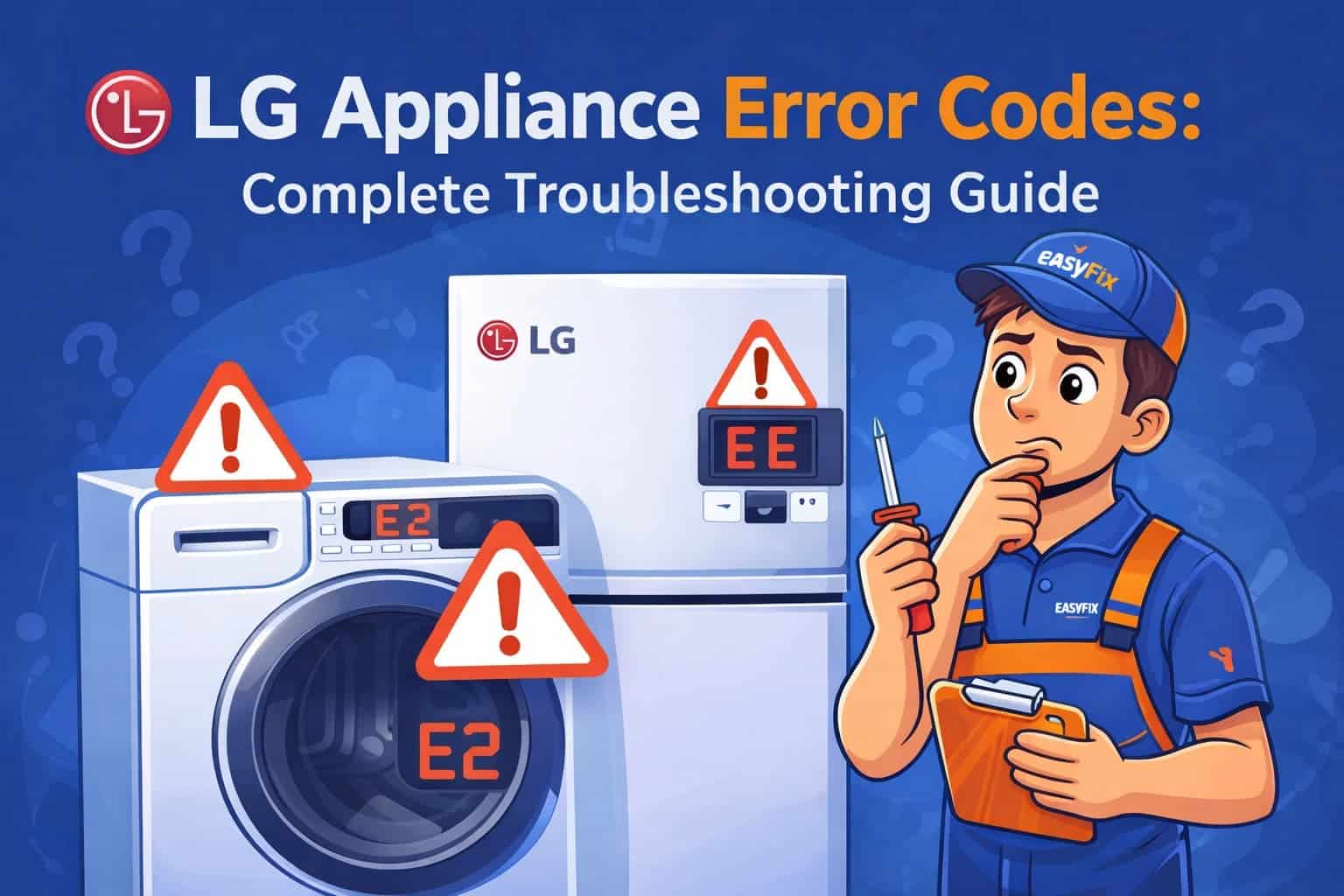
Common LG dryer problems and quick causes
Most LG dryer issues fall into a few categories. This section lists common symptoms and likely causes so you can match what you see to probable fixes.
- Dryer not heating
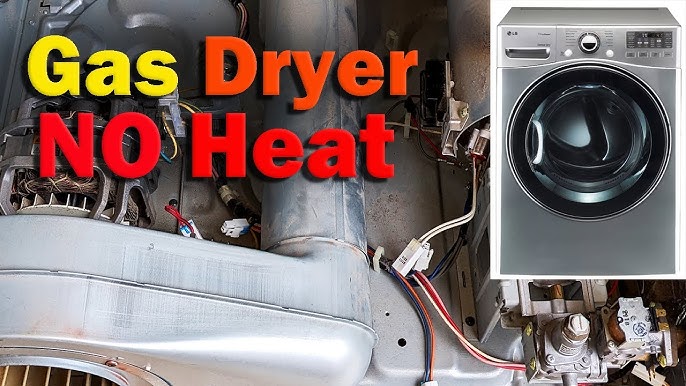
- Clogged vent, blown thermal fuse, failed heating element, or faulty thermistor.
- Drum not spinning
- Broken belt, seized motor, or failed idler pulley.
- Dryer making loud noise
- Worn drum rollers, bearings, or loose items caught in the drum.
- Dryer stops mid-cycle or won’t start
- Faulty door switch, control board glitch, or power supply issue.
- Error codes or blinking lights
- Specific codes map to sensor, motor, or vent problems.
This Lg Dryer Troubleshooting Guide focuses on fast checks you can do before calling a technician. Start with simple, safe steps first and escalate if needed.
How to diagnose and troubleshoot step by step
Follow this ordered approach from easiest checks to more advanced tests. The Lg Dryer Troubleshooting Guide recommends simple tools: screwdriver, multimeter, and a vacuum.
- Power and settings check
- Confirm dryer is plugged in and breaker is on. Reset the circuit if tripped.
- Verify the selected cycle and temperature settings; try a different cycle.
- Inspect vents and lint trap
- Clean the lint trap every load. Check and remove lint from the vent and exhaust hood outside.
- A blocked vent often causes long dry times and no-heat issues.
- Listen and look during operation
- Note unusual sounds and when they occur. A squeal when drum turns points to rollers or idler issues.
- Smells of burning suggest clogged vents or electrical faults—stop use immediately.
- Test heating components
- Unplug the dryer. Remove the rear panel. Visually inspect the heating element for breaks.
- Use a multimeter to test thermal fuse and heating element continuity.
- Check motor and belt
- With the drum accessible, spin it by hand. If it’s stiff, motor or rollers may be seized.
- Inspect the belt for wear or snaps and replace if frayed.
- Reset and error clearing
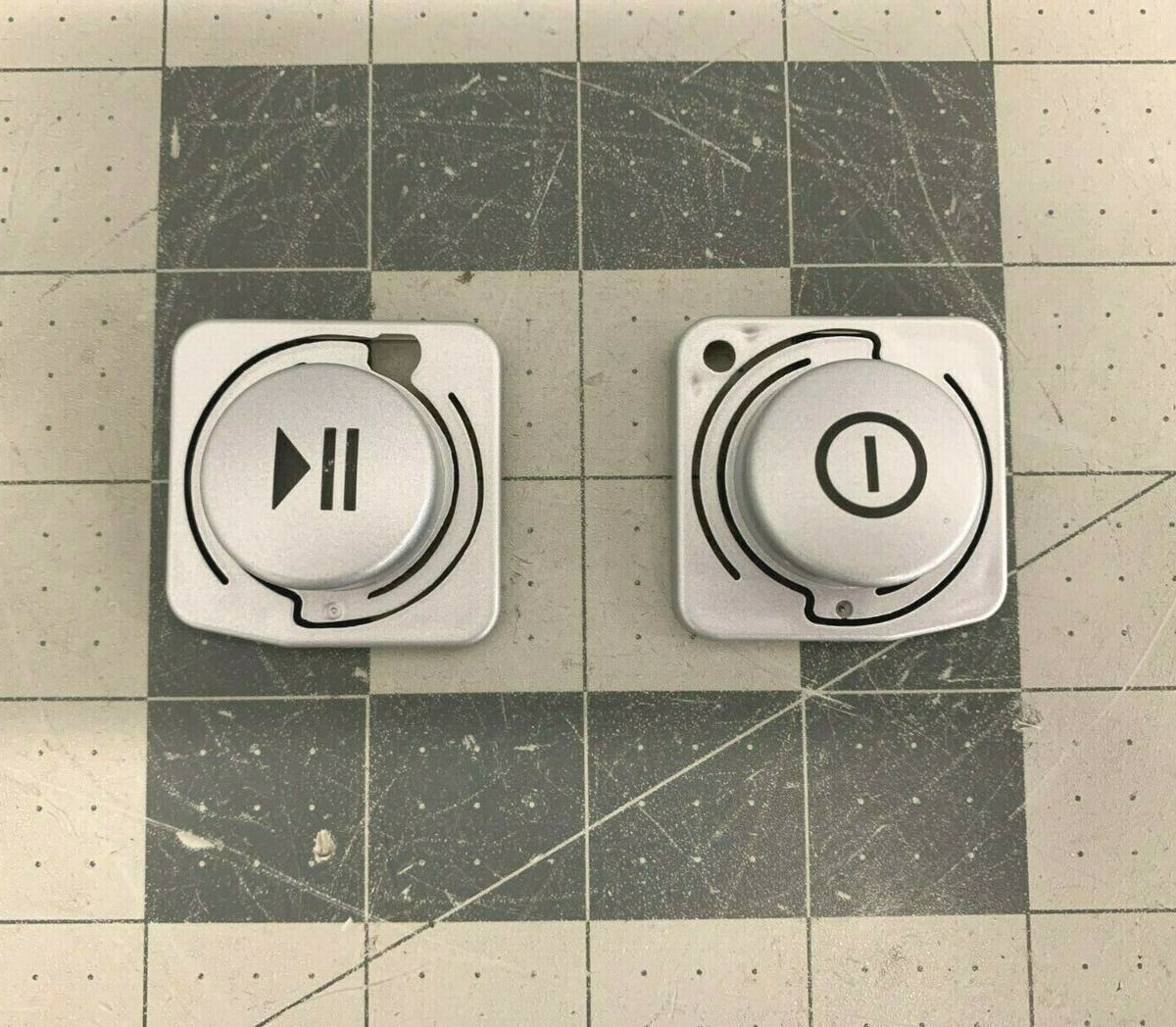
- Some LG models let you press specific buttons to run a diagnostic or clear error codes. Consult your manual or try power-cycling the dryer for 1 minute.
I’ve fixed several dryers by cleaning vents and replacing a simple thermal fuse. Small fixes save time and money when you follow this Lg Dryer Troubleshooting Guide.
LG dryer error codes and meanings
LG dryers display codes that speed up diagnosis. Here are common codes and what they typically mean.
- dEF or dE
- Door error. Check the door latch and switch for proper engagement.
- tE
- Thermistor error. The temperature sensor may be open or shorted.
- CL
- Child lock is on. Hold the appropriate buttons to unlock the panel.
- PF
- Power failure. Unplug for a minute, then restore power to reset.
- 1E, 3E, 4E
- Control or communication errors. Try resetting. Persistent codes may need service.
Always note the exact code and the model number. The Lg Dryer Troubleshooting Guide recommends documenting codes before resetting, so technicians have clear info if you seek professional service.

Maintenance tips to prevent future problems
Routine care reduces breakdowns and extends dryer life. These simple tasks follow the Lg Dryer Troubleshooting Guide philosophy: do the easy things often.
- Clean lint trap after every use
- A clean filter improves airflow and reduces fire risk.
- Vacuum vent and duct every 6–12 months
- Remove lint buildup to restore efficiency and prevent overheating.
- Inspect exhaust hood outside
- Ensure the flap opens freely and is not blocked by nests or debris.
- Balance heavy loads
- Overloading strains the motor and belt. Dry medium-size loads for best results.
- Replace wear parts proactively
- Drum rollers and belts wear over time. Replace before failure for quieter operation.
From my experience, a yearly vent cleaning prevented multiple no-heat calls and cut dry times in half. Follow this Lg Dryer Troubleshooting Guide habit to avoid emergency repairs.
Parts, repairs, and when to call a professional
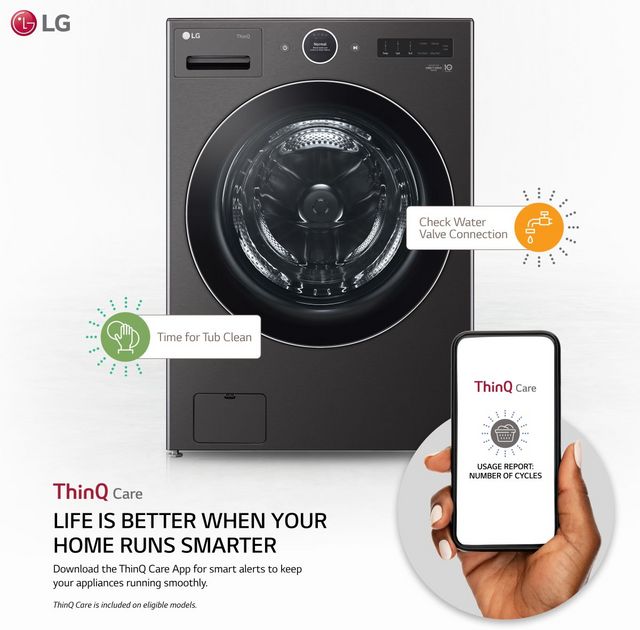
Some fixes are safe for homeowners. Others need a pro. Use this guide to decide.
Safe DIY repairs
- Cleaning lint traps and vents
- Replacing belts, filters, and visible lint screens
- Swapping simple parts like door switches or knobs when you’re comfortable
When to call a professional
- Persistent electrical issues or burning smells
- Complex control board or motor replacement
- Repairs that require gas line adjustments (for gas models) or internal wiring fixes
I once attempted a motor swap without the right tools and had to call a technician. Spending on proper tools or a pro saves time and prevents mistakes. The Lg Dryer Troubleshooting Guide encourages safety first.

Frequently Asked Questions of Lg Dryer Troubleshooting Guide
Why is my LG dryer not heating?
Check the lint trap and vent first. If those are clear, test the thermal fuse, heating element, and temperature sensor for continuity with a multimeter.
How often should I clean the dryer vent?
Clean the lint screen after every load and vacuum the vent and duct at least once a year, or more often if you notice longer dry times.
Can I reset my LG dryer myself?
Yes. Unplug the dryer or turn off the circuit for one minute to reset many faults. Some models have a diagnostic reset sequence; consult the user manual.
What does a burning smell from the dryer mean?
It can indicate lint buildup in the vent or an electrical issue. Stop using the dryer and inspect the vent and drum; call a pro if the smell persists.
Is it safe to replace the drum belt myself?
Yes, if you’re comfortable removing panels and following a step-by-step guide. Always unplug the dryer and take pictures to help with reassembly.
Conclusion
This Lg Dryer Troubleshooting Guide gives clear steps to find and fix common dryer issues, from no-heat problems to loud noises and error codes. Start with simple checks like vents and filters, use a multimeter for basic tests, and call a professional for electrical or gas-related repairs. Try one small maintenance step today—clean the vent or lint trap—and you’ll likely see faster drying and fewer problems. Share your repair wins or ask questions below to get more tailored help.

