

Quick fix: Most Dyson Ball vacuum issues come from clogs, dirty filters, or a stuck brush bar.
I have worked with vacuums for years and I know Dyson Ball Vacuum Troubleshooting inside and out. This guide explains common faults, step-by-step fixes, and simple maintenance you can do today. Read on to learn practical checks, safe repair steps, and tips that save time and money when your Dyson Ball vacuum acts up.

36% off Today’s Exclusive Deals
Limited-time Exclusive Deals. Check current discount on Amazon.
Check Price on Amazon As an Amazon Associate I earn from qualifying purchases.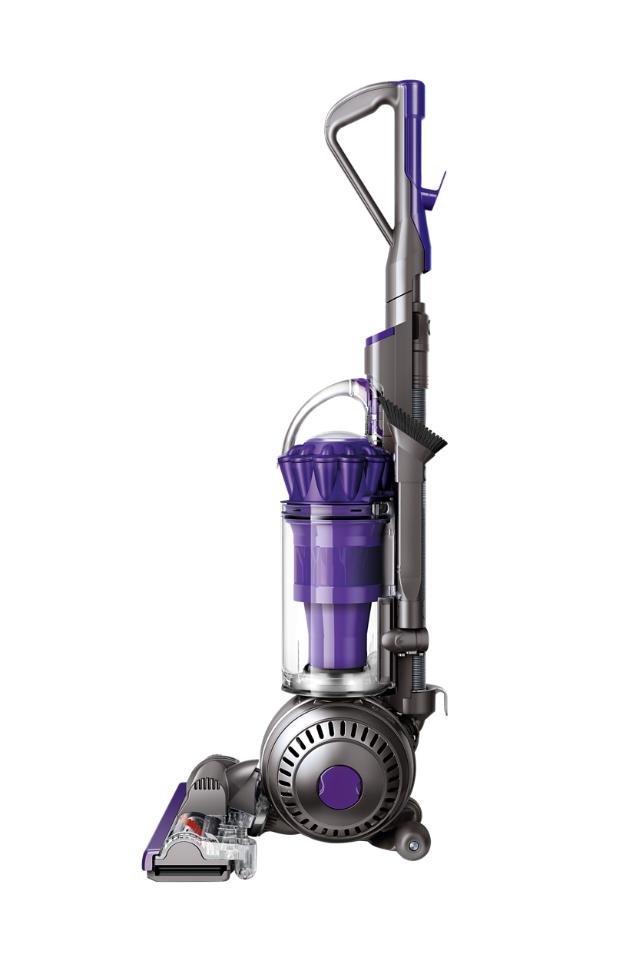
Why troubleshoot your Dyson Ball vacuum?
Dyson Ball Vacuum Troubleshooting helps you restore suction and performance fast. A quick fix often avoids costly repairs. Regular troubleshooting extends the life of your machine and keeps carpets and hard floors cleaner. If you act early, most issues are simple to solve at home.
Common problems and quick fixes
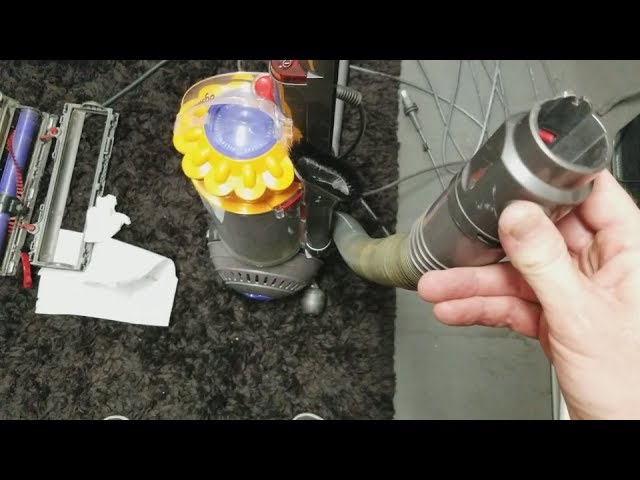
Below are the most frequent Dyson Ball Vacuum Troubleshooting topics. Each problem includes likely causes and a clear fix you can try right away.
Loss of suction
- Cause: Clogs in the hose, wand, or bin block airflow.
- Fix: Turn off and unplug the vacuum. Remove the wand and hose. Check for debris and clear by hand or with a long flexible brush. Empty and clean the bin and filters.
Vacuum won’t turn on
- Cause: Power supply, thermal cut-out, or electronics fault.
- Fix: Check the power outlet and cord. Reset the thermal cut-out by letting the vacuum cool for 30–60 minutes. If it still won’t power on, try a different outlet.
Brush bar not spinning
- Cause: Belt breakage, jammed brush, or motor issue.
- Fix: Remove hair and threads from the brush bar. Inspect the belt and replace if worn or snapped. Refit the brush and test.
Strange noises or grinding
- Cause: Foreign object in the brush or motor housing.
- Fix: Disconnect power and inspect the brush bar and head. Remove any lodged objects. If noise comes from the motor, stop using the vacuum and seek repair.
Overheating and automatic shutoff
- Cause: Blockage or dirty filters causing restricted airflow.
- Fix: Clean the filters and remove any clogs. Allow the machine to cool before restarting. If overheating persists, have a technician check the motor.
Bin or cyclone not emptying properly
- Cause: Sticky debris or damaged bin seal.
- Fix: Clean the bin and cyclone thoroughly with a dry cloth. Check the seal for cracks and replace if damaged.
Indicator lights or error codes
- Cause: Filter issues, blockages, or electrical faults.
- Fix: Refer to the user manual for specific codes. Start by cleaning filters and checking airflow paths.
Step-by-step troubleshooting checklist
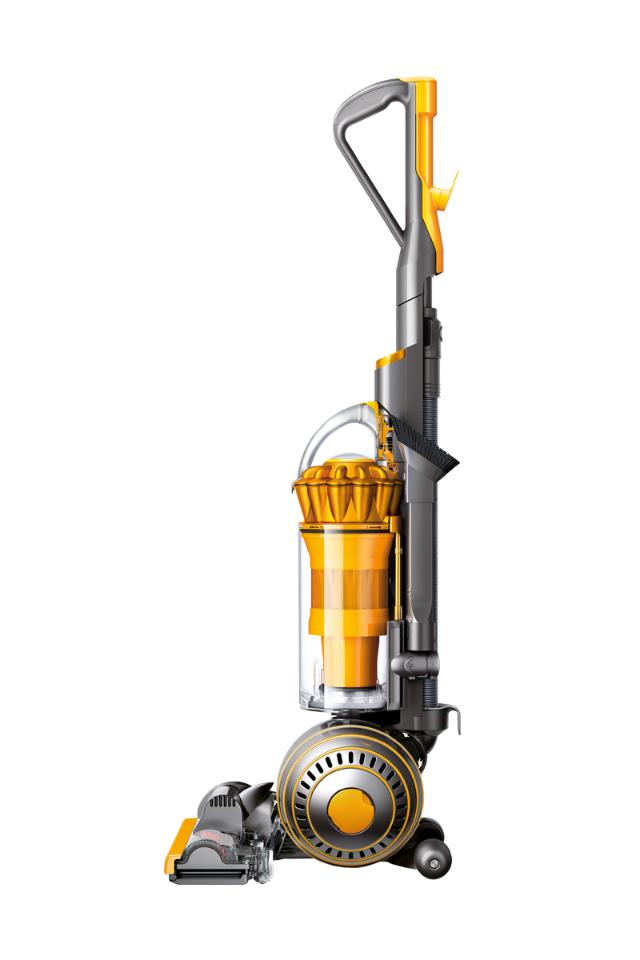
Follow this checklist to diagnose and solve most Dyson Ball Vacuum Troubleshooting problems. Work top to bottom. Stop and test after each step.
- Safety first
- Unplug the vacuum before any inspection or repair.
- Visual inspection
- Look for broken parts, loose connections, and obvious blockages.
- Empty the bin
- Remove and empty the dust bin. Wipe it clean.
- Clean or replace filters
- Remove washable filters and rinse under cold water until clear. Let them dry 24 hours before reinstalling. Replace non-washable filters per manufacturer guidance.
- Check the wand, hose, and ball
- Detach the wand and hose. Use a flashlight to spot clogs. Clear with a long brush or by flushing air through.
- Inspect the brush bar and belt
- Remove hair and fibers. Check belt tension and condition. Replace belt if frayed.
- Test electrical connections and cord
- Check for cuts or damage on the cord. Try a different outlet.
- Run a performance test
- Reassemble and vacuum a small area. Note any remaining issues and shop for replacement parts if needed.

Maintenance tips to prevent future problems
Simple care avoids many Dyson Ball Vacuum Troubleshooting visits. Keep a regular schedule and the vacuum will last longer.
- Weekly: Empty the bin after heavy use and remove hair from the brush bar.
- Monthly: Clean washable filters and let them dry completely.
- Every 3–6 months: Inspect belts, hoses, and seals for wear.
- After each clog: Check the wand and hose. Avoid using tools that could damage the cyclone.
- Store properly: Keep the vacuum in a dry place and protect the cord from kinks.
When to seek professional repair or replacement
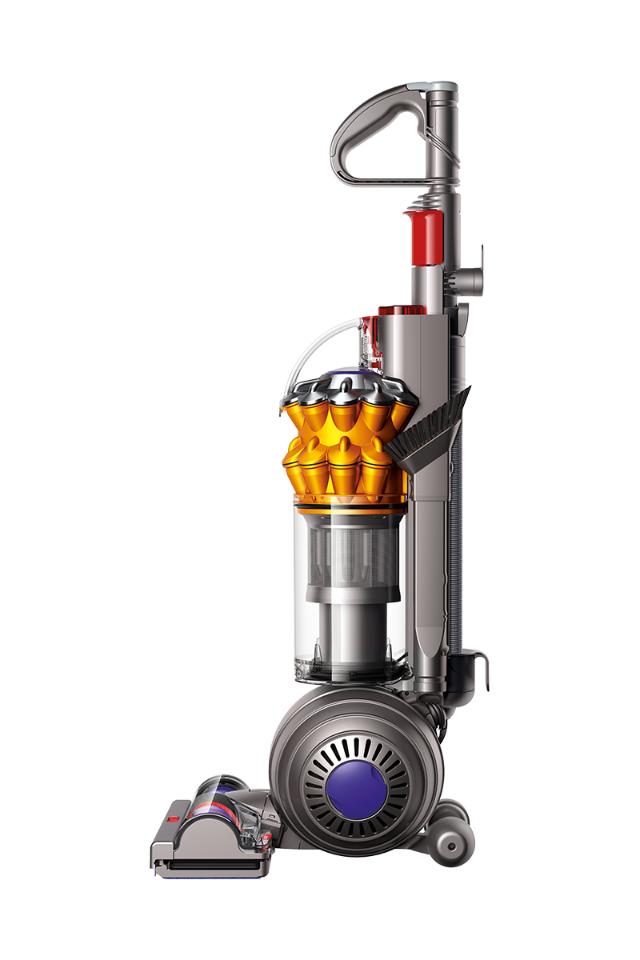
Some issues need expert help. Know when to stop and call a pro.
- Persistent electrical faults or burning smells indicate a motor or wiring problem.
- Motor failure or major internal damage often costs more to fix than replace.
- If the vacuum is under warranty, contact the manufacturer before opening sealed parts.
- For vintage or out-of-production models, evaluate parts availability and repair cost versus a new machine.
My personal experience with Dyson Ball Vacuum Troubleshooting
I once had a Dyson Ball that lost suction completely. I found a plastic toy deep in the hose. Clearing it restored full power. I learned to check simple things first. Another time I replaced a belt that looked fine but was stretched. The lesson: wear can be invisible. Always keep a spare belt and basic tools at home. These small actions saved time and money.
Parts, tools, and resources you’ll need
Having the right tools speeds Dyson Ball Vacuum Troubleshooting and keeps repairs safe and neat.
- Basic tools: screwdriver set, long flexible cleaning brush, needle-nose pliers.
- Common parts: replacement belts, washable filters, brush bar, hose seals.
- Consumables: lint-free cloths, compressed air can, mild soap for bin cleaning.
- Tips: Use genuine or high-quality compatible parts for best fit and performance.

Frequently Asked Questions of Dyson Ball Vacuum Troubleshooting
Why is my Dyson Ball vacuum losing suction?
Loss of suction usually comes from blockages, full bin, or dirty filters. Clean the bin, check filters, and clear the hose to restore airflow.
How do I unclog the hose on a Dyson Ball vacuum?
Turn off and unplug the vacuum, detach the hose, and inspect with a flashlight. Remove debris by hand or use a flexible brush to push it out gently.
How often should I clean Dyson Ball filters?
Clean washable filters every 1–3 months depending on use and pets. Allow filters to dry completely for 24 hours before reinserting.
What if the brush bar stops spinning?
Hair and fibers often jam the brush bar. Remove the bar, cut away hair, and check the belt for wear. Replace the belt if it is loose or damaged.
Is it worth repairing a broken Dyson Ball vacuum?
If the problem is a replaceable part like a belt or filter, repair is usually cost-effective. For motor or electronics failure on older models, compare repair cost with replacement.
Conclusion
Dyson Ball Vacuum Troubleshooting is mostly about methodical checks, simple cleaning, and timely part replacement. Start with safety, clear blockages, clean filters, and inspect the brush bar. These steps fix most issues and keep your machine working well. Try the checklist today, and you’ll likely solve the problem without a service call. If you found this useful, leave a comment, subscribe for more repair guides, or share your own troubleshooting wins.

