

Most Chamberlain garage door problems can be fixed with simple checks and small repairs.
I have worked on dozens of residential garage openers and know how frustrating a stuck or noisy opener can be. This guide to Garage Door Chamberlain Troubleshooting explains common causes, step-by-step fixes, safety tips, and when to call a pro. Read on to save time, avoid needless parts purchases, and get your door moving smoothly again.

36% off Today’s Exclusive Deals
Limited-time Exclusive Deals. Check current discount on Amazon.
Check Price on Amazon As an Amazon Associate I earn from qualifying purchases.
Why Chamberlain Garage Doors Act Up
Garage Door Chamberlain Troubleshooting starts with understanding the system. Chamberlain openers mix motors, belts or chains, sensors, remotes, and safety features. Problems often show as no response, partial travel, loud noise, or reversed travel. Knowing the likely causes speeds diagnosis and repair.
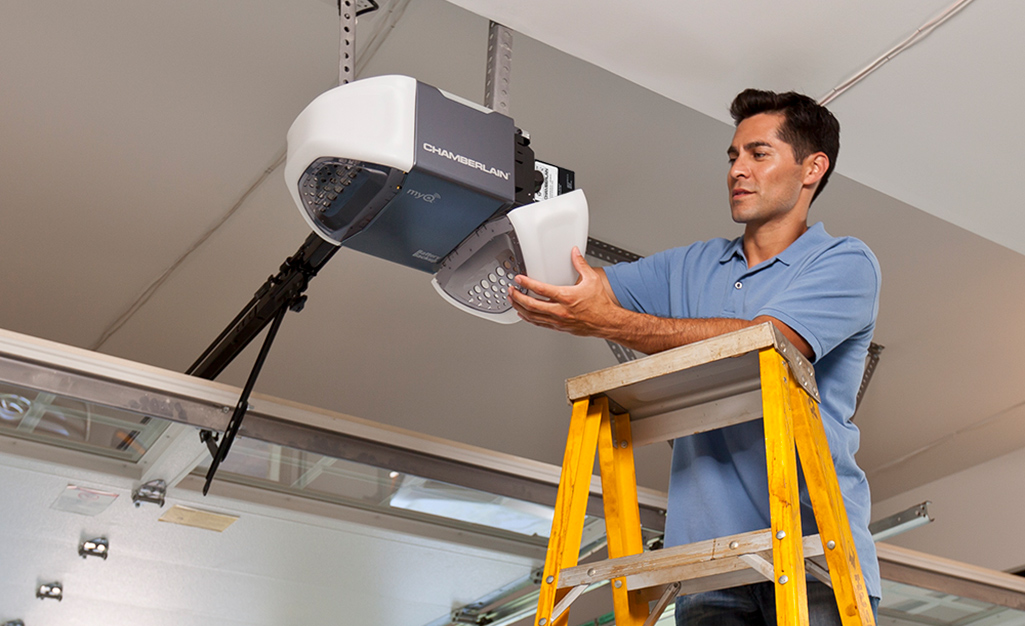
Common Issues and Quick Fixes for Garage Door Chamberlain Troubleshooting
Here are frequent failures and easy fixes you can try first.
- Motor won’t run: Check power to the opener and the outlet. Reset the opener by unplugging it for 30 seconds and plugging back in.
- Door reverses or won’t close: Clean and align the safety sensors. Remove obstructions and test travel again.
- Remote not working: Replace remote batteries and reprogram the remote to the opener. Check for nearby sources of interference.
- Loud grinding or screeching: Lubricate rollers, hinges, and the rail with a silicone-based lubricant. Tighten loose hardware.
- Door moves unevenly: Inspect springs and cables visually. Do not adjust springs yourself if you are not trained.
These quick checks cover most home cases and are the first step in Garage Door Chamberlain Troubleshooting. If the basic fixes don’t work, deeper diagnostics help find the root cause.

Step-by-Step Garage Door Chamberlain Troubleshooting Guide
Follow these steps in order. They are safe and save time.
- Safety first. Disconnect power to the opener and keep kids and pets away.
- Visual scan. Look for broken springs, frayed cables, loose bolts, or bent tracks.
- Power test. Confirm outlet works by plugging in a lamp or phone charger.
- Test wall switch. If the wall switch works but remotes don’t, reprogram remotes and check receiver LED.
- Sensor check. Ensure both sensors face each other and their LEDs are steady. Clean lenses with a soft cloth.
- Balance test. Pull the manual release and move the door by hand halfway up. It should hold. If it falls, springs or cables need service.
- Travel and force adjustment. Follow the Chamberlain manual to set limit and force adjustments if the door won’t fully travel or reverses unnecessarily.
- Listen to the motor. Clicking or humming without movement can mean a bad capacitor, motor, or gears.
- Inspect belts and chains. Look for slack or broken links. Tighten or replace per manual.
- Test smart features. For app-connected openers, ensure Wi-Fi is intact and firmware is updated.
These steps will cover most Garage Door Chamberlain Troubleshooting scenarios. Work slowly and test after each change to isolate the cause.
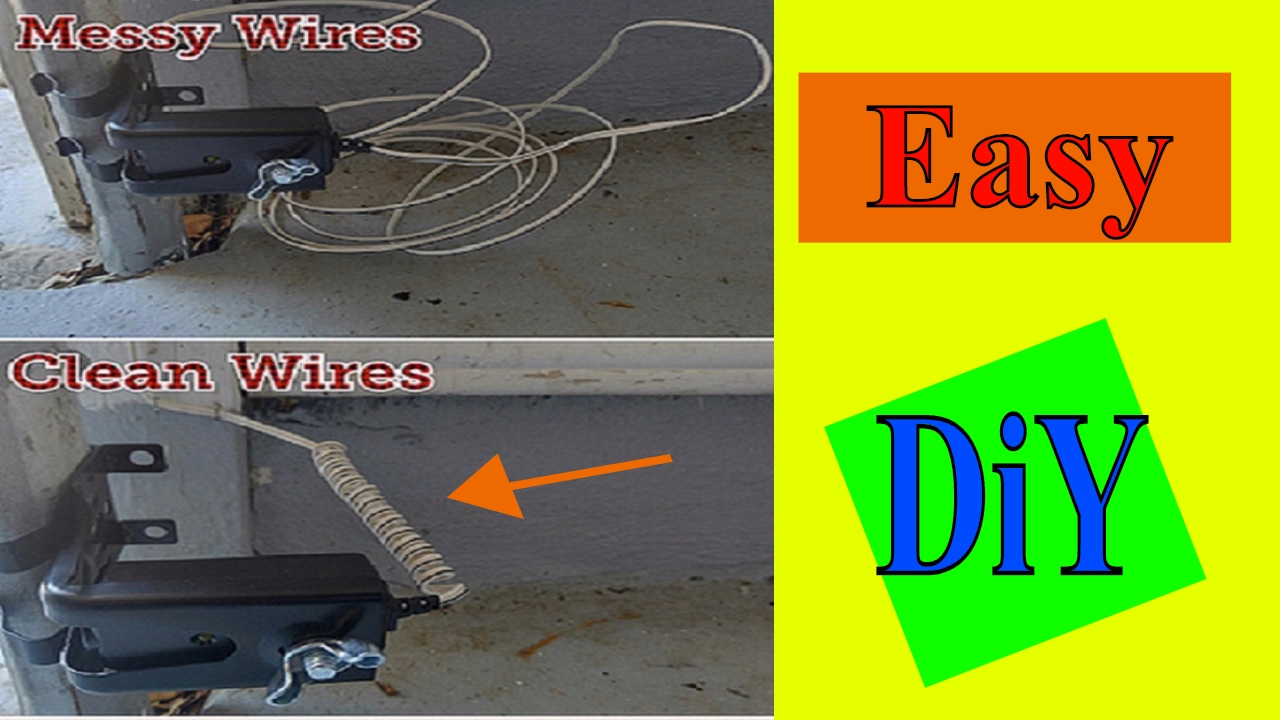
Tools, Parts, and Safety for Garage Door Chamberlain Troubleshooting
Use the right tools and respect safety limits.
- Safety gear: Eye protection and gloves. Never stand under a partially open door.
- Basic tools: Multimeter, socket set, adjustable wrench, ladder, and flashlight.
- Lubricants and cleaners: Silicone spray and a mild cleaner for sensors.
- Replacement parts: Remote batteries, photo sensor mounts, limit switch knobs, belts, and rollers.
- When to avoid DIY: Do not try to remove or adjust torsion springs. They store lethal energy and need a trained technician.
I once attempted a spring adjustment years ago and quickly called a pro after feeling how tense the spring was. That experience taught me to avoid spring work unless fully trained. Keep that lesson in mind during Garage Door Chamberlain Troubleshooting.
Maintenance Tips to Prevent Future Problems with Garage Door Chamberlain Troubleshooting
Preventive care cuts service calls and extends opener life.
- Lubricate moving parts twice a year with silicone spray.
- Tighten loose bolts and hardware every three months.
- Test safety sensors monthly and clean lenses as needed.
- Replace remote batteries yearly to avoid lockouts.
- Schedule annual professional tune-ups to inspect springs and alignment.
These small steps reduce unexpected failures and make Garage Door Chamberlain Troubleshooting much less common. A bit of upkeep goes a long way toward smooth operation.

When to Call a Professional for Garage Door Chamberlain Troubleshooting
Call a pro when risks or limits are present.
- Broken torsion spring or snapped cable: These are dangerous and require a trained technician.
- Motor failure or burned smell: Electric issues need a pro to test and fix safely.
- Persistent reverse or misalignment after adjustments: A technician can recalibrate travel and force.
- Complex smart-home integration or firmware issues you cannot resolve: A certified technician can diagnose network and board faults.
Knowing when to stop is as important as knowing what to try. Calling a pro can prevent injury and costly mistakes during Garage Door Chamberlain Troubleshooting.

Frequently Asked Questions of Garage Door Chamberlain Troubleshooting
How do I reset my Chamberlain garage door opener?
Unplug the opener for 30 seconds, plug it back in, and press the learn button to reprogram remotes if needed. This clears simple electronic faults and reconnects remotes.
Why does my Chamberlain door close then immediately reverse?
Most often the safety sensors are misaligned or dirty. Clean the lenses and ensure both LEDs are lit and facing each other.
Can I replace a Chamberlain remote battery myself?
Yes. Open the remote case with a small screwdriver, replace the battery with the correct type, and reprogram if needed. Keep the old battery for correct specs.
What does the red flashing light on a Chamberlain opener mean?
A flashing light usually signals an obstruction, sensor fault, or travel limit problem. Check sensors and run the opener through a travel cycle to identify the issue.
Is it safe to adjust garage door springs myself?
No. Torsion springs store high energy and can cause severe injury if handled improperly. Call a trained technician for spring work.
How do I know if my Chamberlain opener needs a new motor?
If the motor hums but the door won’t move, or noise increases drastically, the motor or gearbox may be failing. Have a technician inspect and confirm replacement needs.
Can I connect my Chamberlain opener to Wi-Fi on my own?
Yes, many Chamberlain models support app setup through a step-by-step process. Make sure your Wi-Fi signal reaches the opener location and follow the app instructions.
Conclusion
Garage Door Chamberlain Troubleshooting is mostly about a clear process: inspect, test, fix, and maintain. Start with easy checks like power, remotes, and sensors, then move to balance and adjustments. For springs, major electrical faults, or unclear issues, call a certified technician. Take action now by trying the basic steps above, scheduling routine maintenance, or contacting a pro if you feel unsure. Share your experience in the comments or subscribe for more practical home repair guides.

