

Most hearing aid issues start with dead batteries, earwax, or simple settings problems.
I have spent years fitting, testing, and fixing hearing aids for patients and clients. This Hearing Aid Troubleshooting Guide draws on that experience and clear technical know-how to help you fix common problems fast. Read on to learn practical checks, step-by-step fixes, cleaning tips, and when to call a pro so your hearing aid works reliably.

36% off Today’s Exclusive Deals
Limited-time Exclusive Deals. Check current discount on Amazon.
Check Price on Amazon As an Amazon Associate I earn from qualifying purchases.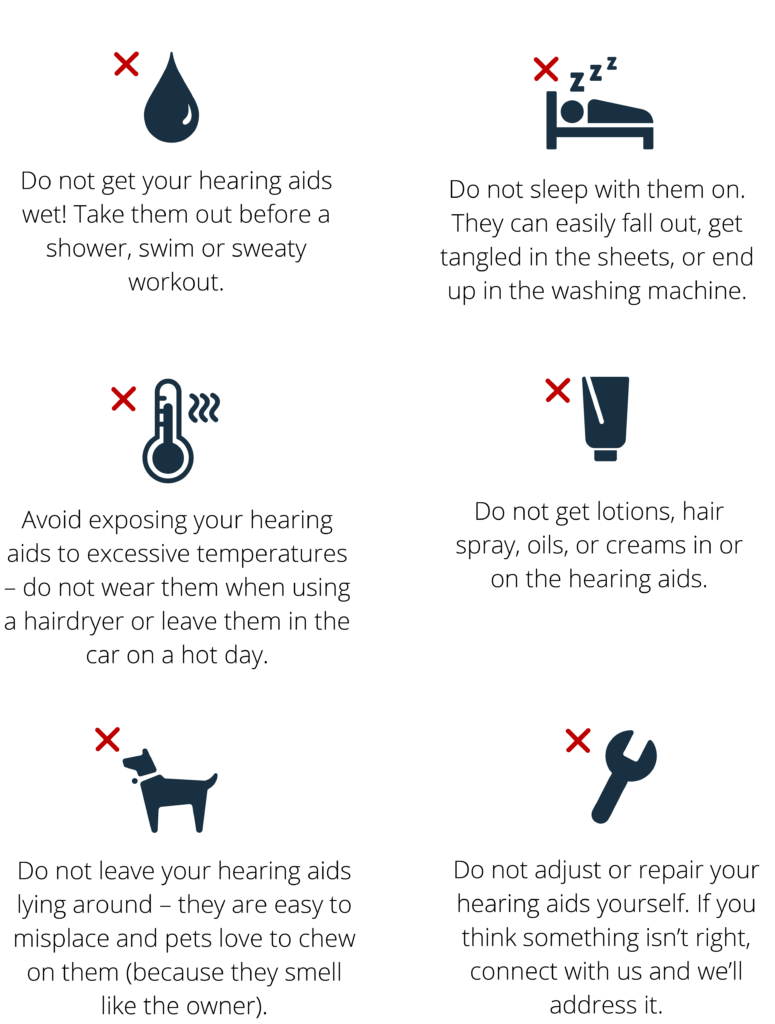
Common hearing aid problems and quick checks
Hearing Aid Troubleshooting Guide begins with a list of common faults. These include no sound, weak sound, static, feedback whistling, and poor wireless pairing. Start with the basics: check the battery, the on/off switch, and the fit in the ear. Small checks often solve problems without tools or visits.
Most clients I work with find the issue is easy to spot when they follow a short checklist. Keeping this guide handy can save time and reduce stress. Use these quick checks before moving on to deeper troubleshooting.
Step-by-step troubleshooting guide
Follow this Hearing Aid Troubleshooting Guide as a clear workflow. Work from simple to complex. This order saves time.
- Check power and battery
- Replace disposable batteries with fresh ones.
- Charge rechargeable models fully and try a different charger if needed.
- Turn the aid off and on after a battery swap.
- Inspect the device
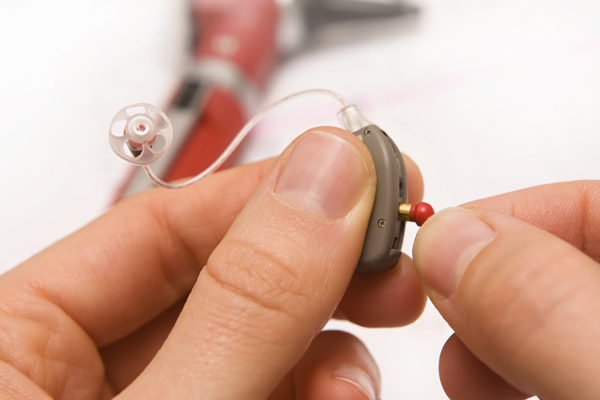
- Look for earwax, debris, or moisture in the microphone and receiver.
- Check tubing and earmolds for cracks or blockages.
- Make sure volume control and program buttons move freely.
- Test with a known sound
- Use a soft TV audio or a phone call to see if sound appears.
- Try a battery tester or a battery from a working device.
- Reset and reprogram
- Use the manufacturer reset if sound settings may be corrupted.
- Re-sync wireless models using the pairing steps in the manual.
- Isolate components
- Swap accessories like domes or wax guards to rule out blockages.
- If only one side fails, focus on that side’s tubing and speaker.
These steps form a reliable Hearing Aid Troubleshooting Guide. Follow them in order and note each action for the provider if you need help.
Cleaning and maintenance tips
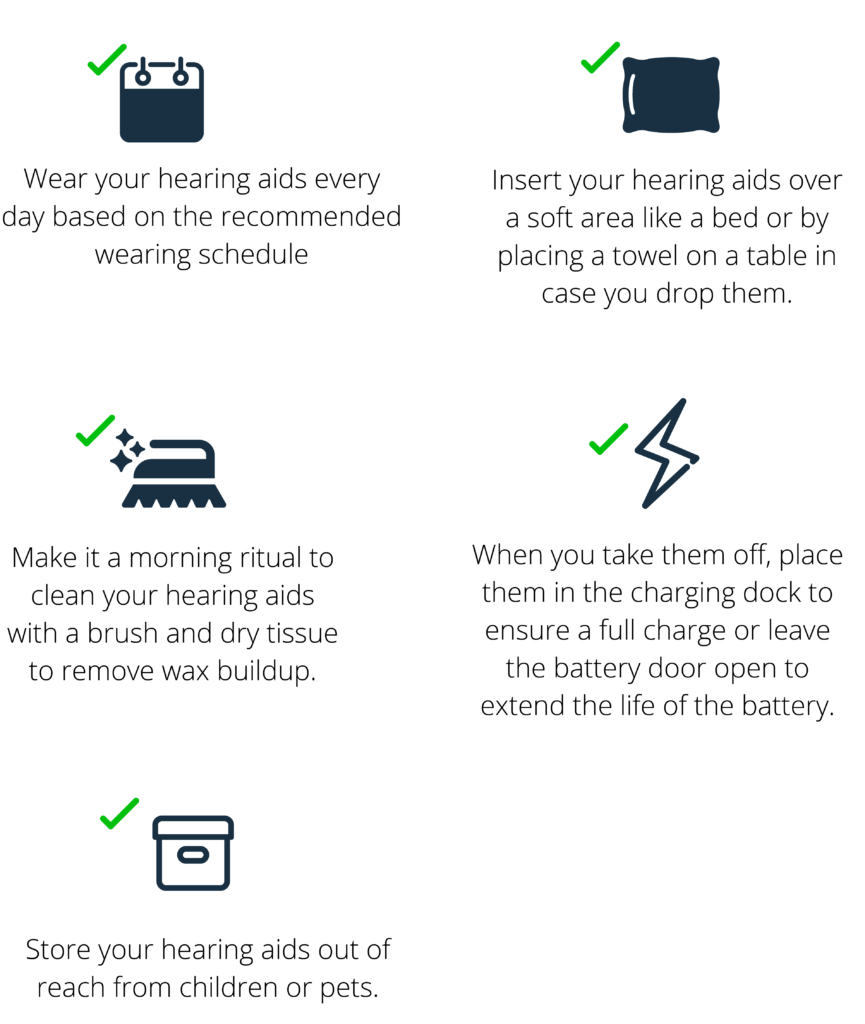
A major part of any Hearing Aid Troubleshooting Guide is cleaning. Dirt and wax are top causes of poor sound. Clean daily and maintain weekly.
- Wipe the case with a soft, dry cloth after use.
- Use the small brush or pick supplied to clear microphones and vents.
- Replace wax guards and filters as recommended.
- Avoid water and high heat. Remove aids before showering or swimming.
- Store rechargeable aids on their charger overnight.
I keep a small cleaning kit for each device I fit. It saves many follow-up visits and keeps sound clear.

Battery and power issues
Battery faults are the most common reason to consult a Hearing Aid Troubleshooting Guide. Batteries fail fast in cold, and rechargeable packs can degrade with age.
- For disposable batteries, wait 5 seconds with the battery door open after inserting a fresh cell to reset the circuit.
- For rechargeables, run a full charge cycle and test another charger or cable.
- If life drops sharply, the battery or cell pack may need replacement.
If batteries drain unusually fast, check for stuck buttons, constant streaming, or a faulty charger. Note the battery model and age before visiting a clinic.
Sound and feedback problems
Sound distortion, low volume, and whistling are common. This section of the Hearing Aid Troubleshooting Guide covers fixes.
- Remove wax and check the receiver for blockage. Replace wax guards if used.
- Ensure the aid sits correctly in the ear. A poor seal can cause feedback.
- Reduce volume slightly and test programs to isolate settings causing whistling.
- Try a different dome or earmold. A wrong fit can create sound leaks.
If sound quality is muffled after cleaning, the speaker may be damaged. Document what you tried before seeing a professional.

Wireless connectivity and app issues
Modern aids rely on Bluetooth and apps. Connectivity complaints are frequent and included in this Hearing Aid Troubleshooting Guide.
- Ensure your phone’s Bluetooth is on and the app has permission to run in the background.
- Turn Bluetooth off and on, then re-pair the device following the app prompts.
- Update the app and the hearing aid firmware if updates are available.
- Close other Bluetooth devices that may interfere with pairing.
If both sides fail to stream or pairing drops often, log the app messages and try another phone to narrow the cause.
When to seek professional help and repair options
This Hearing Aid Troubleshooting Guide helps you decide when to seek help. Some problems need a technician.
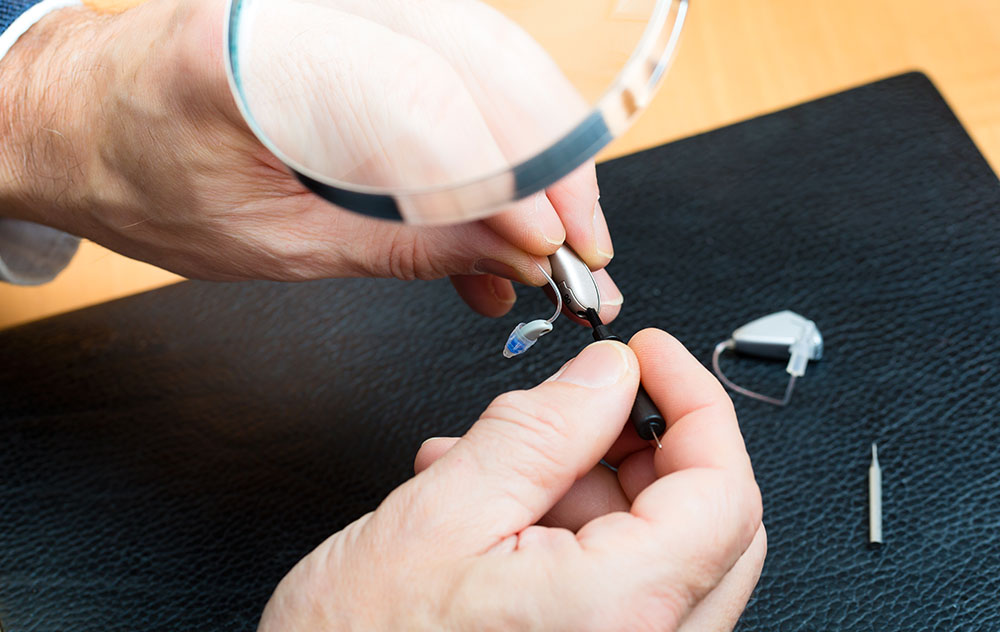
- Seek repair if the receiver or microphone is damaged or if moisture has entered internal parts.
- Contact your audiologist if reprogramming or firmware updates are needed.
- Use manufacturer-authorized service for warranty repairs to preserve coverage.
I once delayed a repair for a client who had intermittent static. The delay led to moisture damage. Quick action can save expensive parts.
Preventive care and best practices
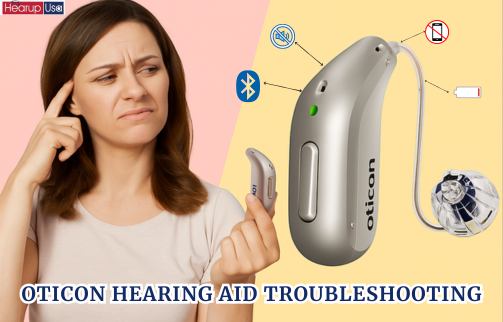
Prevention reduces the need for this Hearing Aid Troubleshooting Guide. A few good habits go a long way.
- Dry aids overnight with a dehumidifier if you sweat or live in humid climates.
- Have annual checks with a hearing professional for cleaning and programming.
- Keep waterproof cases and a safe place for storage when not in use.
- Note serial numbers, purchase date, and warranty details for fast service.
Small routines prevent most failures. I tell new users to treat hearing aids like eyeglasses: daily care and safe storage.

Personal experience and lessons learned
I have fit and troubleshot hundreds of hearing aids. From that work I offer these lessons learned in this Hearing Aid Troubleshooting Guide.
- Always check the battery first. It fixes around half of calls for help.
- Teach users to clean wax and test in different environments.
- Keep a small kit with spare batteries, wax guards, and a brush. It helps in travel.
- Be honest about limits. Some repairs need pro tools or parts.
These practical tips came from years of clinic work and many patient stories. They work in daily life.
Frequently Asked Questions of Hearing Aid Troubleshooting Guide
What should I try first if my hearing aid has no sound?
Check the battery or charger first, then remove and clean the earwax guard or dome. Turn the aid off and on again and try a different battery or charger.
Why does my hearing aid whistle when I wear glasses?
Whistling often comes from a poor seal or sound leaking around the earpiece where glasses touch the aid. Try a different dome, realign the aid, or reduce volume slightly.
How often should I clean my hearing aid?
Clean daily in simple steps and deep clean weekly. Replace wax guards as needed and schedule a professional clean at least once a year.
Can moisture damage my hearing aid and how do I dry it?
Yes. Moisture can harm electronics and speakers. Use a hearing aid dehumidifier or a dry, cool place and avoid heat or direct sunlight.
When is it time to replace my hearing aid rather than repair it?
Replace when repairs are frequent, sound quality is poor despite fixes, or the device is obsolete and lacks app or update support. Compare repair costs to the price of a new device.
Conclusion
This Hearing Aid Troubleshooting Guide gives clear steps to find and fix common problems. Use the quick checks, cleaning tips, and step-by-step fixes to solve most issues at home. If a problem persists, get professional help early to avoid bigger repairs. Try these tips, keep a care kit, and comment with your questions or experiences to learn more.

