

Packaging Machine Troubleshooting fixes downtime fast by finding root causes, replacing parts, and tuning systems.
I have spent years fixing and tuning packaging lines. This guide on Packaging Machine Troubleshooting brings clear steps, checklists, and real examples. Read on to learn how to diagnose faults fast, prevent repeat issues, and keep your line running at peak speed.

36% off Today’s Exclusive Deals
Limited-time Exclusive Deals. Check current discount on Amazon.
Check Price on Amazon As an Amazon Associate I earn from qualifying purchases.
Why Packaging Machine Troubleshooting Matters
Packaging Machine Troubleshooting saves time and money. A small fault can stop a whole line and cost hours of production. Quick, accurate troubleshooting brings machines back to work and reduces waste.
I will explain common causes, a diagnostic checklist, step-by-step repair tips, maintenance best practices, and spare part advice. This helps technicians, plant managers, and operators solve issues with confidence.
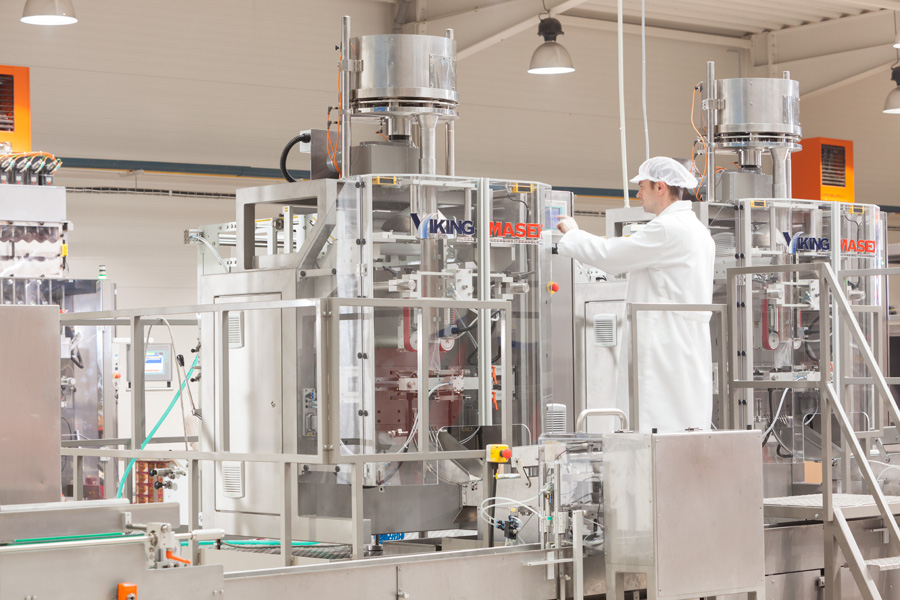
Common Causes of Packaging Machine Failures
Packaging Machine Troubleshooting starts by knowing common causes. Here are frequent root problems to watch for.
- Mechanical wear or misalignment. Belts, pulleys, and cams fail over time.
- Electrical faults. Loose wires, blown fuses, and motor faults are common.
- Pneumatic leaks or pressure drops. Air leaks cause inconsistent operation.
- Sensor and encoder faults. Dirty or failed sensors give bad signals.
- Software or PLC errors. Corrupt programs or incorrect setpoints disrupt cycles.
- Material issues. Wrong film, sticky labels, or inconsistent product size cause jams.
- Human error. Wrong settings, missed maintenance, or poor changeovers cause repeat faults.
Spotting the type of fault early guides the right fix. Use this list to narrow down suspected causes quickly.

Diagnostic Checklist for Fast Troubleshooting
Use a checklist to speed up Packaging Machine Troubleshooting. Follow steps in order to avoid wasted effort.
- Ensure safety first. Lock out, tag out, and wear PPE.
- Record symptoms. Note error codes, noises, and last actions.
- Check power and air. Verify voltage, fuses, and air pressure.
- Visual inspection. Look for jams, broken parts, leaks, and debris.
- Test sensors and switches. Clean and actuate them manually.
- Review PLC/HMI logs. Read fault codes and timestamps.
- Run the machine slowly. Use jog or single-cycle mode to find the fault.
- Replace or swap suspect parts. Use a known-good module if available.
- Log resolved steps. Note what fixed the issue for future reference.
A clear checklist reduces guesswork. Keep a printed copy at the line for quick use.
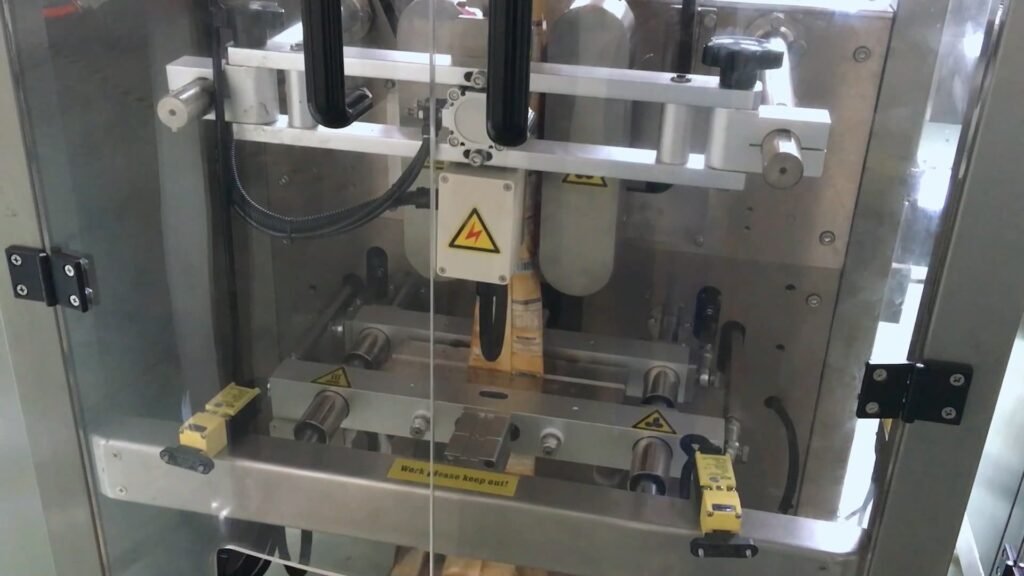
Step-by-Step Troubleshooting Guide
This guide breaks down Packaging Machine Troubleshooting by problem type. Work methodically and document each step.
Mechanical Issues
- Check for loose fasteners, worn bushings, bent shafts, and broken gears.
- Inspect belts and chains for tension and wear.
- Align guides and rails with simple feeler gauges or straight edges.
- Replace worn bearings and retension belts if needed.
Electrical and Motor Problems
- Verify incoming power and motor starter operation.
- Check for blown fuses, tripped breakers, and loose terminals.
- Measure motor current and compare to rated amps.
- Swap in a spare motor drive to isolate VFD or inverter faults.
Pneumatic and Vacuum Failures
- Listen for hissing and use soapy water to find leaks.
- Check regulator settings and filter water traps.
- Inspect vacuum cups for wear and replace if soft or cracked.
Sensors, Encoders, and Controls
- Clean photoeyes and check alignment with a card test.
- Verify encoder cables and connectors for continuity.
- Reload or revert PLC code if recent changes caused the fault.
Material and Process Problems
- Verify material specs: thickness, width, and coating.
- Check film tracking and tension; realign rollers.
- Adjust dwell time and sealing temperature for consistent seals.
Work slowly. Fix one issue at a time and retest the machine. This avoids masking the real root cause.

Maintenance Best Practices to Prevent Issues
Good maintenance reduces the need for Packaging Machine Troubleshooting. Build a simple, repeatable program.
- Daily checks. Clean sensors, clear debris, and inspect moving parts.
- Weekly tasks. Lubricate bearings, check belt tension, and test emergency stops.
- Monthly tasks. Inspect electrical cabinets, update firmware, and calibrate sensors.
- Keep a spare parts list. Stock critical items like belts, bearings, and fuses.
- Train operators. Teach basic fault finding and daily care.
- Use predictive tools. Vibration checks and thermal scans catch issues early.
Create a short logbook per line. Note dates, tasks, and part changes. This history helps spot trends quickly.
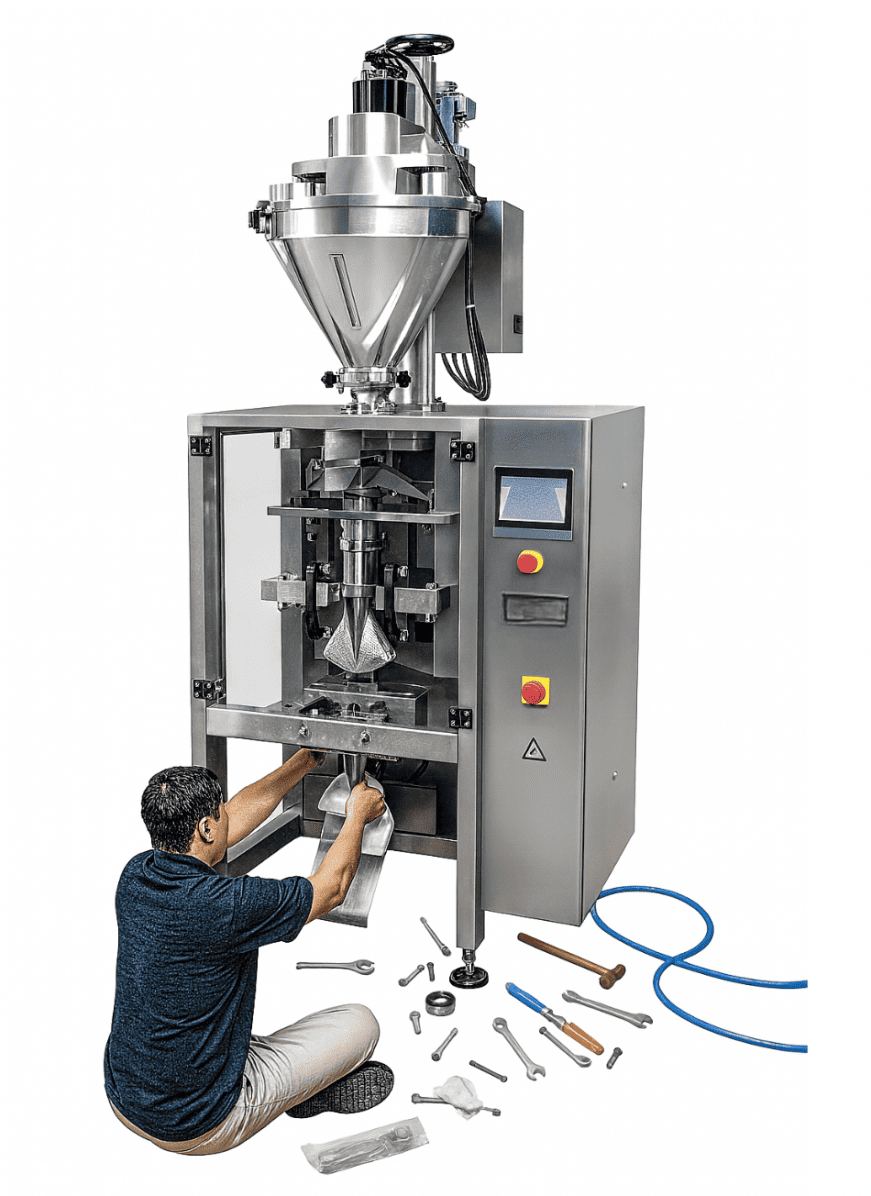
Spare Parts, Tools, and Inventory Management
Right spares and tools speed Packaging Machine Troubleshooting. Plan inventory to avoid long downtimes.
-
Essential spares to keep on hand:
- Belts and chains
- Bearings and bushings
- Sensors and photoeyes
- Fuses, relays, and small PLC modules
- Sealing elements and heating strips
-
Tools to have in your kit:
- Multimeter and clamp meter
- Torque driver and basic hand tools
- Feeler gauges and calipers
- Portable vacuum pump and pressure gauge
- Cable tester and spare connectors
-
Inventory tips:
- Classify spares as critical, medium, or low priority.
- Track usage and reorder levels.
- Build vendor contacts for rush deliveries.
A small, well-chosen stock prevents long line stoppages. It also makes troubleshooting faster.
Case Studies and Personal Insights
Real fixes show how Packaging Machine Troubleshooting works in practice. Here are two short examples from my experience.
-
Jam from misaligned film roll. A new operator installed a roll off-center. The film tracked wrong and caused repeated jams. I realigned the roll station and added a quick teaching step to the changeover checklist. The jams stopped immediately.
-
Intermittent sensor fault. A machine stopped with no clear error. I found a loose cable at the sensor connector. Tightening and adding strain relief fixed the issue. After that, we added weekly connector checks to the log.
Lessons learned:
- Small fixes often stop big problems. Start with simple checks.
- Document fixes so others can repeat them. This saves time later.
These hands-on moments shape practical troubleshooting habits.

Quick Questions (PAA-style)
How long should initial Packaging Machine Troubleshooting take?
Aim for 15 to 60 minutes for initial diagnosis. Complex faults can take longer but start with the checklist to speed answers.
What tools are most useful for swift troubleshooting?
A multimeter, clamp meter, and basic hand tools speed electrical and mechanical checks. A pressure gauge helps for pneumatic faults.
When should I call OEM support?
Call OEM support if the PLC code, proprietary control, or a major servo needs expert help. Use vendor support after basic steps fail.

Frequently Asked Questions of Packaging Machine Troubleshooting
What is the first step in troubleshooting a packaging machine?
Start with safety. Lock out and tag out the machine, then document symptoms and error codes before further testing.
How do I find intermittent faults on a packaging line?
Use logs, video capture, and run the machine slowly to reproduce the fault. Check connectors, cables, and loose parts that move under load.
Can operator error look like machine failure?
Yes. Wrong setpoints, incorrect material loading, and missed maintenance can mimic mechanical faults. Training and checklists help prevent this.
How often should sensors be cleaned and checked?
Clean and test sensors daily on busy lines, or weekly on slower lines. Dirty sensors are a top cause of false stops.
Is it worth stocking spare PLC modules and drives?
Keep at least one spare critical module or drive for fast swaps. This reduces downtime while waiting for replacements.
Conclusion
Packaging Machine Troubleshooting is a skill you can build with clear steps, good tools, and steady maintenance. Use the checklist, keep key spares, and train your team to spot issues early. Start implementing one new habit today—like a daily sensor check or a simple logbook—and watch downtime fall. If you found this guide helpful, try the checklist on your next shift, subscribe for more tips, or share a troubleshooting story in the comments.

